Log In
LeadTruffle Insights
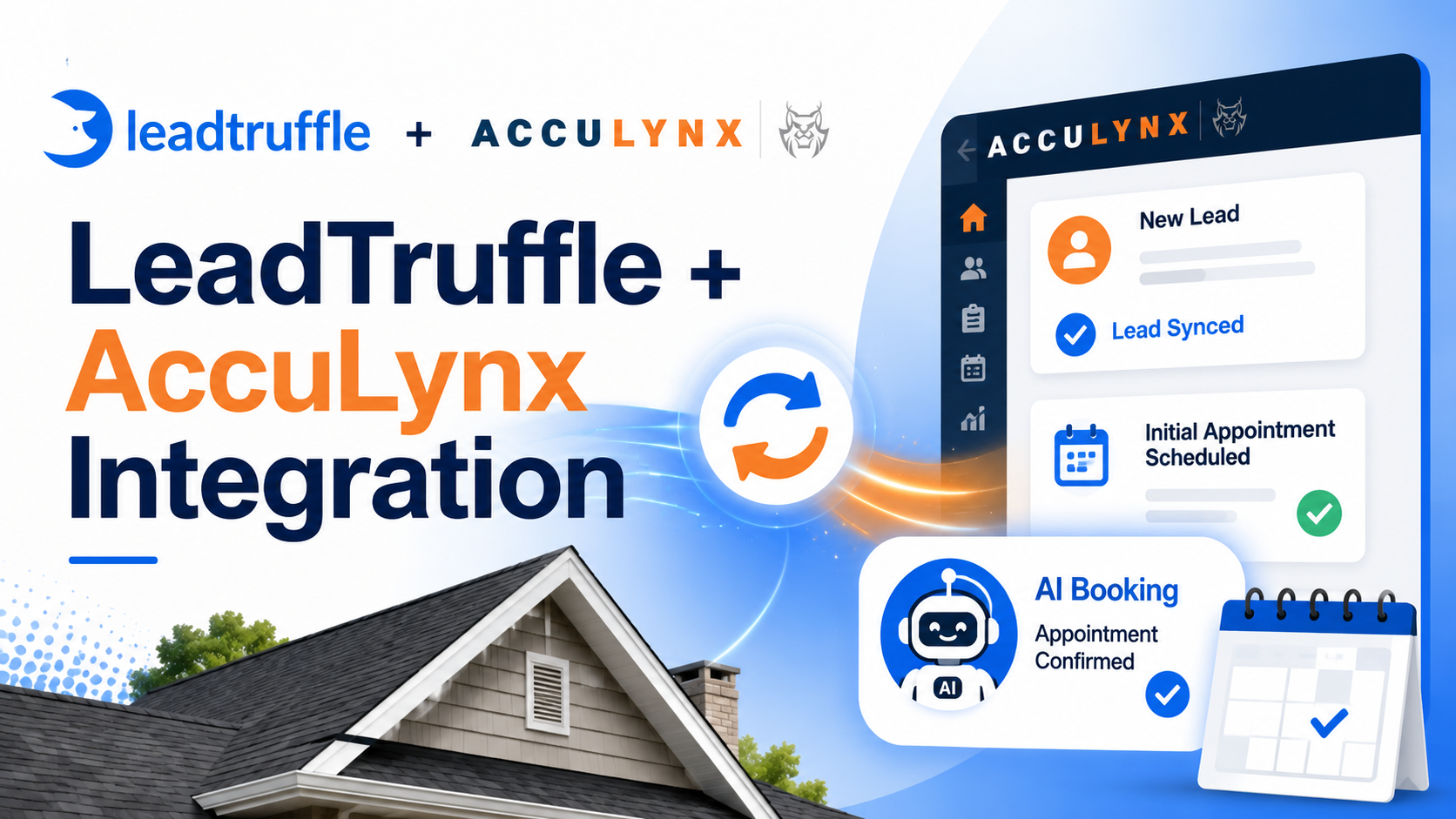
LeadTruffle + AccuLynx Integration: AI Lead Sync and Direct AI Booking
Connect LeadTruffle with AccuLynx so AI can qualify roofing leads, offer real appointment times, confirm the slot, and set the initial job appointment directly in AccuLynx.
Quick Answer
tl;dr: LeadTruffle now supports direct AI booking for AccuLynx. Once connected, the AI can offer available appointment windows during a text, email, or voice conversation, confirm the time the customer picks, re-check that the slot is still open, and set the initial appointment on the AccuLynx job, all without your office touching it.
AccuLynx has already been a LeadTruffle integration for lead sync. This update makes it a direct booking provider. Leads that come in after hours, from your website, or from platforms like Google LSA or Thumbtack can now go from first message to booked AccuLynx job in one automated flow.
If your team runs roofing operations in AccuLynx, this connects the first customer conversation directly to your schedule.
What the LeadTruffle AccuLynx Integration Does
AccuLynx is roofing-specific business software. Roofing contractors use it to manage leads, jobs, production, crews, materials, and reporting in one place. It is purpose-built for the roofing trade, from storm restoration to replacement and repair.
LeadTruffle handles the front of that process. It captures new leads, responds in seconds, qualifies the homeowner, and now books the appointment. With AI booking on, a qualified conversation becomes a set initial appointment in AccuLynx, without a rep manually entering the details.
Once connected, LeadTruffle can:
- Sync qualified leads into AccuLynx as leads
- Create or reuse existing AccuLynx leads and jobs
- Offer real appointment times during text, voice, or email conversations
- Check existing AccuLynx calendar appointments to help prevent double-booking
- Confirm the customer’s chosen slot and set the job’s initial appointment
- Assign a company user from AccuLynx, with single or round-robin selection
- Keep logs for every booking attempt, success, and failure
If you want a wider view of connected CRMs and lead sources, the LeadTruffle integrations page covers more.
How AI Booking Into AccuLynx Works
The booking flow is built so the AI offers LeadTruffle-generated times that are checked against your AccuLynx calendar, then re-checks before writing anything to the job.
A typical booking looks like this:
- A homeowner reaches out through webchat, a form, a missed call, an email, or a phone call.
- LeadTruffle responds and qualifies the lead.
- LeadTruffle checks your configured availability windows and reads your selected AccuLynx calendar for existing appointments.
- The AI offers specific appointment times that are still open.
- The customer picks a time.
- LeadTruffle re-checks that the slot is still available.
- LeadTruffle creates or reuses the AccuLynx lead and job.
- LeadTruffle sets the job’s initial appointment, optionally assigning a company rep.
- Your team sees the booked appointment in AccuLynx.
The re-check in step 6 matters. If another booking landed in your AccuLynx calendar after the AI offered a time, LeadTruffle catches it before writing anything. The result comes back as unavailable, and the AI can offer fresh options.
One important behavior to know: if the AccuLynx job already has an initial appointment set, LeadTruffle will not overwrite it. It stops and returns APPOINTMENT_EXISTS. That protects jobs that are already scheduled from being accidentally rebooked by a second inquiry.
Availability and Conflict Checking
AccuLynx booking uses availability windows you configure inside LeadTruffle, the same window format used by other direct booking integrations like Jobber and Workiz.
You can set rules such as:
- Timezone
- Slot duration
- Minimum notice before a booking
- How many days ahead the AI can offer
- Weekly availability windows by day and hour
LeadTruffle then reads your AccuLynx calendar appointments for the selected calendar, removes conflicts, and only shows the AI times that should be genuinely available.
A few things worth knowing about how conflict checking works:
Cancelled appointments don’t block slots. Appointments marked as cancelled, deleted, or void in AccuLynx are ignored when checking conflicts. Only active appointments count.
Live booking uses a one-page scan. When a customer is actively booking, LeadTruffle reads up to 100 AccuLynx calendar appointments for safety. If the appointment lookup fails during a live session, LeadTruffle may fail open and continue with generated availability, depending on the live booking path.
Preview is exact. When you use the availability preview in the settings panel, it gives you a real-time look at what the AI would offer based on your windows and current AccuLynx appointments, so you can confirm things look right before going live.
Company User Assignment
Assigning a rep is optional, and the behavior depends on how many AccuLynx users you configure.
No users configured: LeadTruffle creates the appointment without assigning anyone.
One user configured: LeadTruffle checks their AccuLynx calendar for conflicts at the requested time. If they are free, the appointment is set and they are assigned. If they are busy, the slot is treated as unavailable.
Multiple users configured: LeadTruffle uses round robin. It starts from the saved cursor, works through each user in order, skips anyone with a conflicting calendar appointment, and assigns the first one who is free. If all configured users are busy, the slot is unavailable.
There is a safeguard worth knowing: if the appointment is successfully created but the rep assignment step fails, the booking stays booked. LeadTruffle logs the assignment failure so your team can assign it manually. Losing a confirmed appointment would be worse than creating one that needs a rep assigned.
AI Voice Booking Support
AccuLynx booking works with LeadTruffle’s AI voice agent. A caller can speak with the AI, answer qualification questions, and confirm an appointment time over the phone. After confirmation, LeadTruffle sets the AccuLynx job appointment with the customer’s details and the chosen time.
This helps most with:
- After-hours calls from homeowners who just got a door knock or saw storm damage
- Overflow calls during busy storm season
- Missed-call recovery when crews are on the roof and no one can pick up
- Campaigns where speed to first appointment is the conversion goal
Roofing companies often see a spike of leads after a hail event or a major storm. The AI can handle the volume without adding office headcount. If phone calls are a significant lead source, missed-call text-back can also keep callers engaged instantly when your team cannot answer live.
Where AccuLynx Bookings Can Come From
The AccuLynx booking flow works across supported LeadTruffle conversation channels where AccuLynx direct booking is enabled. A booked initial appointment can start from a variety of lead sources.
LeadTruffle can book AccuLynx appointments from:
- Website chat
- Website forms
- Missed-call text-back
- AI voice calls
- Yelp
- Thumbtack
- Angi
- Google Local Services Ads
The website texting widget is especially effective for roofing companies. Homeowners often search for roofing help urgently, and a chat widget that turns a visitor into a text conversation, then into a booked AccuLynx appointment, keeps them from clicking over to a competitor.
For paid lead sources, Google Local Services Ads for roofing are a major channel. LeadTruffle responds to LSA leads instantly and can book them into AccuLynx in the same conversation. Faster response can also support your broader LSA performance because responsiveness is part of the homeowner experience.
Required Fields Before Booking
AccuLynx booking does not require any additional fields by default beyond the lead context available to LeadTruffle. The AI can attempt booking without forcing a phone number, email, or address upfront.
However, you can configure required fields if your workflow needs them. Options include phone, email, and address. When configured, a missing required field blocks the booking before any call is made to AccuLynx. The AI will ask for the missing information first.
This matters for roofing companies that need an address to look up permit history or insurance zones before committing to a job. You can require it as a condition of booking rather than chasing it down after the fact.
How to Connect AccuLynx to LeadTruffle
AccuLynx connects to LeadTruffle using an API key. Setup happens inside the AccuLynx settings panel in your LeadTruffle account. For AI booking to activate, four conditions must be met: a valid connected AccuLynx integration, a working API key, allowAiToBookJobs set to true, and a selected defaultCalendarId.
Here is the setup path:
- Open AccuLynx integration settings in LeadTruffle.
- Enter your AccuLynx API key and enable the integration.
- Optionally configure lead sync preferences, including contact name, lead source, trade type, and work type.
- Turn on “Allow AI to book jobs in AccuLynx.”
- Click “Load Calendars” and select your booking calendar.
- Optionally load company users and select one or more for rep assignment.
- Configure required pre-booking fields if needed.
- Open the availability section and set your timezone, slot duration, minimum notice, days ahead, and weekly windows.
- Click “Preview Availability” to confirm the slots and conflicts look right.
- Save, then select AccuLynx as the direct booking provider in the relevant AI experience.
- Run a test booking by lead ID and selected slot to confirm the appointment appears in AccuLynx.
You do not need to turn on AI booking right away. Some teams start with lead sync, confirm it is working correctly, then add AI booking once their availability windows are configured.
Testing Before You Go Live
The AccuLynx settings panel includes tools to verify your setup before real customers book.
From the panel you can:
- Test the API connection
- Preview available slots based on your current windows and AccuLynx calendar
- Run a real test booking by entering a lead ID and selecting a slot
- View recent AccuLynx integration logs
The test booking is a real booking. It creates an actual AccuLynx appointment, so use a test lead and cancel it after confirming it worked. The availability preview is safe to run as many times as needed.
What the Integration Does Not Include Yet
To be clear about scope, this release adds direct AI booking but does not cover every AccuLynx feature. It does not:
- Use AccuLynx’s native availability or online booking tools
- Sync estimates, production details, or materials
- Trigger live automations from AccuLynx job status changes
- Reschedule or cancel existing AccuLynx appointments
- Pull AccuLynx cancellations back into LeadTruffle in real time
- Map AccuLynx custom fields through a UI
- Sync insurance claim details
Booking uses windows you configure in LeadTruffle, checked against your AccuLynx calendar appointments as conflicts. If you want lead sync without AI booking, you can run the integration in sync-only mode.
Who This Helps Most
AccuLynx AI booking fits roofing companies that want faster lead-to-appointment conversion and fewer manual scheduling steps.
It is especially useful for:
- Storm restoration companies handling high lead volume after weather events, where speed to appointment is critical
- Replacement and retail roofing companies running Google LSA or paid ads who need instant follow-up
- Multi-crew operations that want round-robin rep assignment automated from the first booking
- After-hours leads from homeowners who notice damage on evenings or weekends
- Companies already using AccuLynx who want to reduce copy-paste between their chat, phone, and CRM
If roofing lead generation is something you are actively working on, the complete guide to roofing lead generation covers channels, cost benchmarks, and conversion tactics that pair well with this integration.
Benefits of Connecting LeadTruffle With AccuLynx
The goal is a cleaner path from first contact to a booked AccuLynx job.
The main benefits:
- Faster response time because AI responds in seconds, day or night
- Fewer manual scheduling steps between lead and appointment
- Better storm-season coverage when your office is overwhelmed
- Helps prevent double-booking by checking AccuLynx calendar conflicts before booking
- Optional rep assignment from selected AccuLynx company users, with round-robin when multiple users are configured
- A clean handoff from the AI conversation to your AccuLynx job
- More booked appointments from leads that would otherwise wait
If you want to estimate how faster follow-up could change your numbers, the LeadTruffle ROI calculator can help you model lead volume, close rate, and average job value.
Book More AccuLynx Jobs Without Extra Manual Work
LeadTruffle handles the early conversation. AccuLynx stays updated with the booked appointment and the job context behind it. Your team gets faster response times, fewer missed leads, and a schedule that fills itself when the AI confirms a time.
For more coverage outside business hours, including nights, weekends, and storm surges, automated follow-up keeps leads moving when your office is closed or busy.
Roofing companies that run a dedicated AI answering service can now close the loop all the way from first call to booked AccuLynx appointment.
Related Reading
- Complete Guide to Roofing Lead Generation in 2026
- LeadTruffle + Workiz Integration: AI Lead Sync and Booking
- LeadTruffle + Builder Prime Integration: AI Lead Sync and Direct Booking
- LeadTruffle + ServiceTitan Integration: AI Lead Sync, Booking, and Revenue Attribution
- AI Voice Agent for Home Service Businesses
- Missed-Call Text-Back for Contractors
- Website Texting Widget for Home Service Leads
Want to see how this could work for your roofing business? Book a demo or learn more about LeadTruffle.