
 Log In
LeadTruffle Insights
LeadTruffle + RingCentral Integration: Connect Your Call and Message History
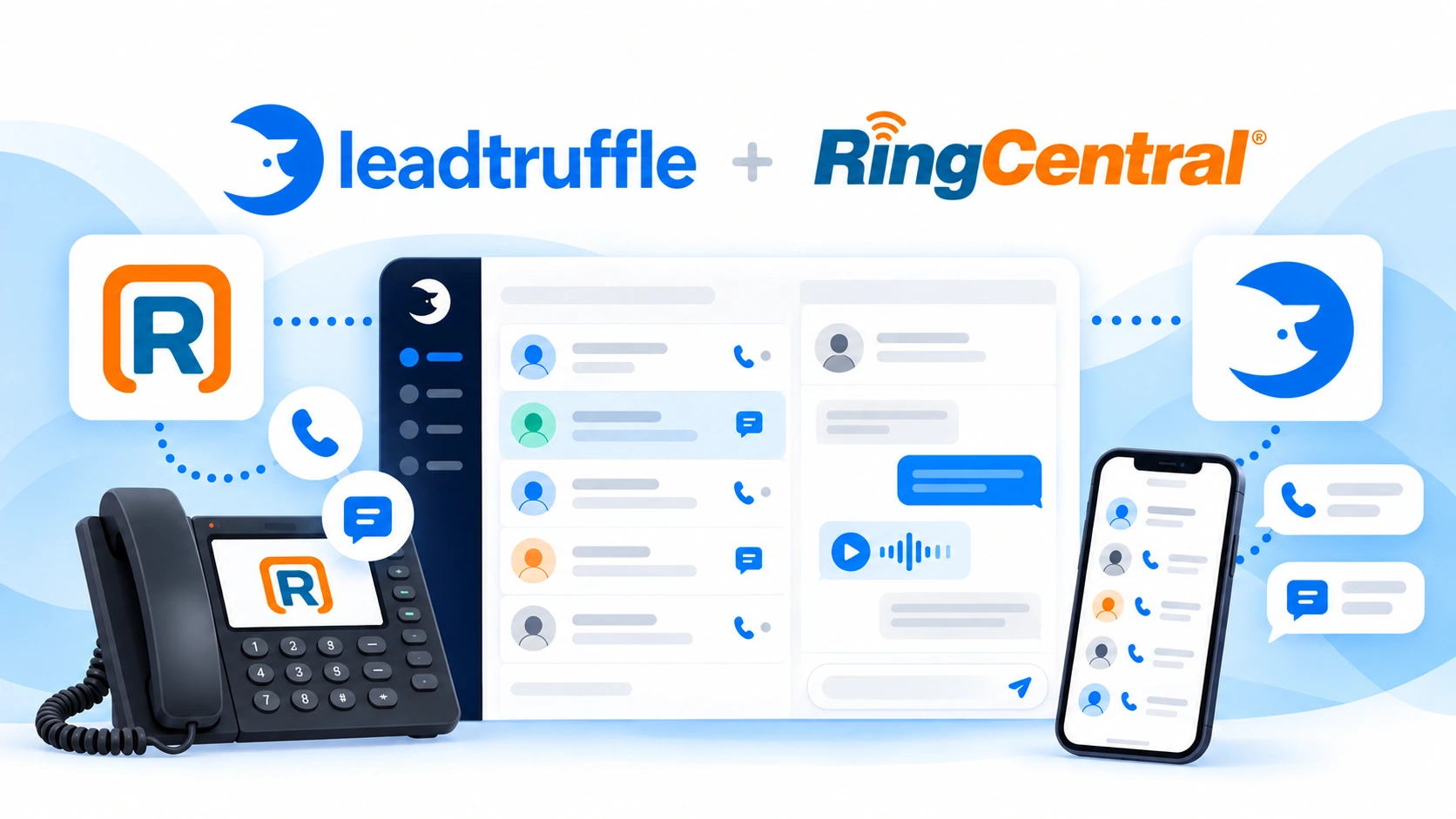
Bring RingCentral calls, texts, voicemail, and available recordings into LeadTruffle. Keep your phone workflow and share customer context. See how it works.
Quick Answer
tl;dr: The LeadTruffle RingCentral integration brings call history and incoming and outgoing SMS/MMS from selected business lines into LeadTruffle, along with available voicemail, recordings, and transcripts. This RingCentral RingEX integration lets your team keep calling and texting in RingCentral while reviewing that activity in LeadTruffle. Access depends on app permissions and the connected user’s account and mailbox rights.
Share phone history across the office
The homeowner calls and leaves a voicemail message and sends you a picture via text. The initial conversation is dealt with by one office employee, and another office employee receives the follow-up conversation.
The next teammate can see what has already been discussed with the RingCentral integration. When identifiable activity matches a LeadTruffle contact, they can review the phone history alongside the customer’s other inquiries in the unified inbox for home service contractors.
Your team will call and message from RingCentral. That activity is part of the conversation with the customer in LeadTruffle.
What syncs from RingCentral RingEX?
For selected business lines and accessible mailboxes, supported activity includes:
- Call history (incoming/outgoing calls).
- Received and sent SMS and MMS.
- Available voicemail and related media.
- Available recordings and transcripts.
- ACE transcripts and summaries when the account has the required entitlement and access.
Imported records include provider identity, business-line context, available participant information and original time stamps. Participants who can be identified can be matched with existing contacts, or can be added as contacts as necessary.
Empty profile fields can be filled with available names and email addresses. This is not a complete RingCentral address-book import or two-way contact editing.
How the integration keeps history connected
- Your team receives and makes calls and sends messages through RingCentral.
- RingCentral call history sync brings supported activity from selected lines and accessible mailboxes into LeadTruffle.
- Available contact information links activity to the correct customer record.
- Your team checks the history before the next follow-up.
Initial imports can stop and restart from saved progress. After setup, live-update subscriptions bring in supported new activity, with subscription renewal and daily catch-up helping keep the connection up to date.
A recording or transcript may arrive after the call record. Delayed-media retries can check again without the office having to repeat the history import.
For instance, the manager may check the customer’s previous SMS and the available voice mail before the salesperson takes over an inquiry. The benefit is that the context is shared among the team’s existing tools.
How to connect RingCentral to LeadTruffle
This RingCentral SMS integration and call history connection uses your own private RingCentral app.
- Have an authorized administrator create a private REST API app with JWT authentication in the RingCentral Developer Console.
- Grant ReadAccounts, ReadCallLog, ReadMessages, and SubscriptionWebhook. Add ReadCallRecording for recordings and CallControl for live call notifications; this integration does not expose call-control actions.
- Fill in the production Client ID, Client Secret, and JWT credential in LeadTruffle.
- Choose business lines and begin importing history. Keep the page open during the import, or pause and resume later.
- Click Set up live updates to let LeadTruffle set up the subscription for the selected mailboxes and call events.
App permissions and the connected user’s mailbox access are separate requirements. Use a super-admin JWT credential authorized for the app when importing other employees’ mailboxes.
RingCentral’s JWT authentication guide explains the underlying authentication flow.
Plan for mailbox and media access
The live-update setup currently supports up to 14 distinct SMS mailboxes alongside call events. If you need additional mailboxes, consult LeadTruffle before planning a larger rollout. A mailbox is not the same as a business phone number.
Recordings, voicemail, and transcripts depend on provider availability, permissions, licensing, and retention. ACE summaries require the relevant entitlement and are not automatically included with every connection.
This integration is not a complete archive or mirror of every historical deletion in RingCentral. It imports supported activity for customer context.
See LeadTruffle integrations for connections that handle other parts of the lead workflow. If your team uses a different phone system, the Quo integration brings selected Quo call and text history into LeadTruffle.
Frequently asked questions
Does this integration cover RingCentral RingEX?
Yes. The article doesn't discuss RingCentral's separate contact-center solutions, but rather the RingEX phone integration.
Can we send RingCentral messages from LeadTruffle?
No. Keep calling and texting through your RingCentral numbers in RingCentral. The integration brings supported activity into LeadTruffle for your team to review.
Will every teammate’s messages appear automatically?
No. Coverage depends on selected lines, app permissions, and the authenticated user’s access to the relevant extension mailboxes.
Are ACE transcripts and summaries included for every account?
No. Retrieval requires the appropriate RingCentral entitlement and access to the recording’s insights.
Does importing RingCentral history enable AI or count as billable usage?
No. Importing activity does not enable AI answering or replies and does not count toward billable LeadTruffle usage. Services such as LeadTruffle’s AI voice agent require separate setup and retain their normal settings and billing.
Make the next handoff easier
Give your team access to supported RingCentral history alongside the customer’s other inquiries, so the next person can pick up the conversation with context.
Schedule a demo and learn more about your RingCentral lines, mailboxes, and LeadTruffle workflow.