
 Log In
LeadTruffle Insights
LeadTruffle + JobNimbus Integration: AI Lead Sync and Appointment Booking
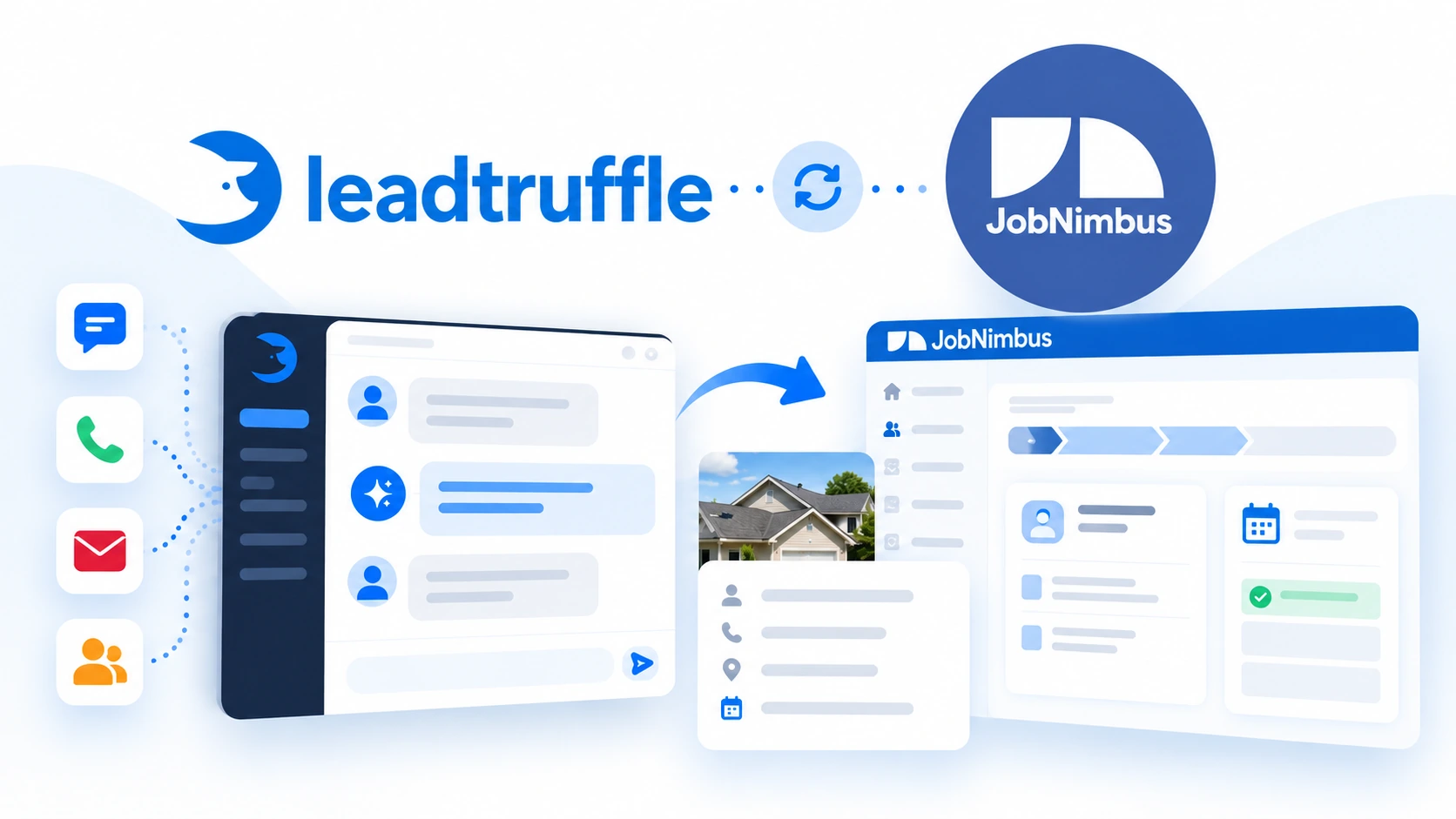
Connect LeadTruffle with JobNimbus to sync qualified leads, book appointment Tasks with AI, and match invoice revenue to customer inquiries.
Quick Answer
tl;dr: The LeadTruffle JobNimbus integration creates or updates Contacts, optionally creates Jobs and allows AI to book appointments as scheduled JobNimbus Tasks. Booking uses your configured LeadTruffle windows. Confirm support for employee Task conflict checks during setup. Optional invoice matching links invoice totals to LeadTruffle inquiries for conversion tracking.
Move a roofing inquiry toward a booked appointment
A homeowner calls with questions about a roof leak while you’re out on another job. Before your team can schedule a visit, they need the customer’s contact information, property address, and a definite time to meet.
Once LeadTruffle is integrated with JobNimbus, the discussion can move from qualification to an appointment without your office re-entering the same customer information. Your team gets the Contact, optional Job and scheduled Task it needs, while LeadTruffle takes care of the configured AI conversation.
For roofing and exterior service teams, the next step can stay in the CRM they’re already using. JobNimbus is one of LeadTruffle’s native CRM integrations.
What syncs between LeadTruffle and JobNimbus?
There are four main workflows integrated:
- Contact sync: Identify and sync an existing JobNimbus Contact, or create a new one with the available name, email, phone and available address information.
- Create or reuse a Job linked to an inquiry and the Contact (optional): Saved lead notes are added to the description when a new Job is created. Reusing an existing Job does not refresh its description or notes.
- AI appointment booking: Set a start and end time, appointment type, booking notes and create a scheduled Task. Associate it with a Contact or Job.
- Invoice conversion tracking: Read JobNimbus invoices and match them to LeadTruffle inquiries using email or phone.
Contacts and Jobs are based on your configured workflow and starting status. It is even possible to choose a branch for new Contacts and Jobs.
LeadTruffle can update populated Contact fields with available lead information. Blank values are omitted, and an existing Contact’s nonblank lead source is kept. Answers to qualification questions are not included as individual custom fields in JobNimbus sync payloads, and a full transcript of the conversation is not provided.
How JobNimbus AI appointment booking works
JobNimbus lead sync and AI booking have separate settings. You can begin by sending qualified leads into JobNimbus, and activate appointment booking when your schedule and AI agents are ready.
- A lead begins a conversation by joining a channel that has been configured.
- LeadTruffle gathers the information your business requires through AI lead qualification and offers the customer precise appointment times from your booking settings.
- One specific time is confirmed by the customer.
- LeadTruffle rechecks availability, synchronizes the Contact, and resolves a Job if it’s needed based on your settings.
- LeadTruffle creates the scheduled JobNimbus Task and queues booking notifications.
As an example, a homeowner can book a roof inspection appointment for Tuesday, 10 a.m. This booking will generate an appointment Task for the selected time and contact/job during setup.
Creating a Contact or an unscheduled Job alone does not book an appointment. The scheduled Task is the appointment record.
If the selected time is not available, the AI can suggest other dates/times or pass it on to your team for approval.
How availability and employee assignment work
The booking timezone, weekly windows, slot spacing, appointment duration, minimum notice and how far ahead customers can book are all up to you. The default appointment duration is 60 minutes, but can be changed.
Employee availability checks depend on the booking features available for your account. Confirm support with LeadTruffle during setup:
- When employee Task conflict checks are supported and a booking employee is selected, LeadTruffle checks that employee’s JobNimbus Tasks for conflicts and assigns the appointment to the same employee.
- If no booking employee is selected, then LeadTruffle will create unassigned Tasks without performing JobNimbus Task conflict checks on the configured windows.
These checks include Task-based availability checks. They are not defining availability for all the calendars (Contacts, Jobs, Work Orders, and external calendar events) that are scheduled. Recurring appointments must be listed as actual occurrences of the Task to be counted.
Keep your booking windows aligned with your team’s working schedules. If conflict checks are unavailable or unclear, have your team confirm the time before relying on an automated booking.
Book from the conversations your customers already use
Configured SMS, webchat, email, Yelp, and Thumbtack conversations are all supported by JobNimbus AI booking. Allow each relevant channel to be bookable, for the AI to be able to suggest appointments during qualification.
For instance, a Thumbtack lead can explain the roofing service and pick a moment during the discussion. A visitor to the site could also do so by using a webchat agent that was set up.
The AI Voice booking feature can be configured in your call-answering or Smart Call Router settings. It shares the same availability settings, and generates the same Task records for Contact, optional Job and appointment.
Connecting JobNimbus does not enable all channels. Each lead source and AI agent needs the appropriate setup.
Keep lead source attribution connected
If a homeowner comes from an ad or marketplace, that acquisition source should remain useful after the inquiry reaches your CRM.
LeadTruffle matches the inquiry’s source to existing JobNimbus source entries, using a configured fallback when appropriate. The original acquisition source takes priority over a later conversation channel.
An existing Contact will retain its source if it is not blank. The source of the inquiry can be set for New Contacts and New Jobs. This means that LeadTruffle does not add new source entries to JobNimbus and that matches may be uncertain and thus not included.
Connect invoice totals to customer inquiries
When the automatic invoice conversion tracking is enabled, LeadTruffle processes the JobNimbus invoices every night, and searches for matching inquiries by email or phone.
For a match, it marks a won conversion using the invoice total and tracks the JobNimbus invoice ID to avoid duplicate conversions. This helps with lead source and revenue reporting.
This is invoice attribution. A won conversion does not require an invoice to be paid or closed, so it does not constitute collected payment. The current sync reads a single page of up to 100 invoices per run, and revenue is reported in USD. It does not generate price quotes or create invoices.
How to connect JobNimbus to LeadTruffle
Set up the connection with someone who can manage your JobNimbus API access and verify your CRM workflows.
Follow the JobNimbus AI booking setup guide for setup steps. Confirm employee conflict-check support with LeadTruffle before relying on the guide’s availability guidance.
- Make a JobNimbus API key. Open the API section in JobNimbus Settings and choose an Access Profile with permissions for the workflows you plan to use. Copy the full API key, not the Key ID.
- In LeadTruffle, add the key in the JobNimbus integration panel or CRM onboarding step and run Test Connection. Confirm that your newly issued key is accepted before enabling sync or booking. If it fails, contact LeadTruffle support before continuing.
- Configure JobNimbus lead sync. Choose the Contact workflow and status, any branch and source options, and determine whether a contact’s name and a usable email or phone are needed before syncing. If appropriate for your process, enable optional Job creation.
- Configure appointment booking. Choose a calendar-visible Task type, specify whether Tasks are connected to Contacts or Jobs, and optionally select a booking employee. If appointments will be linked to Jobs, complete the Job workflow settings.
- Schedule and set channels. Select your timezone, booking intervals, notice period, booking horizon and appointment length. Allow JobNimbus booking for the planned AI channels and set up voice if necessary.
- Verify the workflow. Preview availability, check a lead sync, and confirm that a test appointment appears in JobNimbus as the expected Task.
Test Sync and Test Booking can write real records to JobNimbus. Use an appropriate test inquiry and examine the resulting records.
See JobNimbus’s API key setup documentation for key creation and expiration rules. Replace an expiring key before it stops working, and verify the replacement with Test Connection. Creating a key alone does not confirm that it works with your LeadTruffle connection.
Frequently asked questions
Does LeadTruffle integrate directly with JobNimbus?
Yes. JobNimbus is a native LeadTruffle integration that is connected using a JobNimbus API key. The supported workflows are Contact sync, optional Job creation, appointment Tasks and invoice matching.
Can AI book roofing appointments in JobNimbus?
Yes, after booking and the corresponding AI channel are set up. The customer confirms a precise time and LeadTruffle generates an automatically scheduled JobNimbus Task, associated with a Contact or Job.
Does JobNimbus booking check employee availability?
Employee Task conflict checks must be available for your account and a booking employee must be selected. Confirm support with LeadTruffle during setup. Without a selected employee, booking uses your configured windows and creates unassigned Tasks without Task conflict checks.
Can I sync leads without turning on AI booking?
Yes. Contact sync may work stand alone. It is possible to also have Job creation without scheduling an appointment, if you want.
Will every qualified lead create a new JobNimbus Contact?
No. LeadTruffle will attempt to resolve an existing Contact before attempting to create one based on known contact record information and available options for email, phone and exact-name matching. Matching can help minimize unnecessary record creation, but does not prevent the possibility of duplicate records.
Does the integration track paid invoice revenue?
It matches the amount of the invoice with the inquiries for conversion reporting. Note, a conversion does not have to have payment or closed status, and should not be interpreted as a record of cash collected.
See the JobNimbus workflow in action
See how LeadTruffle can qualify a roofing lead, sync the customer information and create an appointment Task in JobNimbus. Book a demo to discuss your channels, workflows and booking settings.