Log In
LeadTruffle Insights
How to Connect Google LSA to Your CRM
78% of Google LSA advertisers have no CRM connection. Here's how to route LSA leads into ServiceTitan, Housecall Pro, or Jobber - and track them from first contact to booked job.
Quick Answer
tl;dr: Most contractors running Google LSA have no system for getting those leads into their CRM. The lead arrives as a notification, someone calls back, and the rest gets tracked in a notes app - or not at all.
This guide covers where LSA leads disappear, the three ways to connect them to a CRM, which CRMs are used by the most LSA advertisers, and how to track a lead from first contact to booked job.
The Problem: Where Google LSA Leads Actually Go
We scraped 3,392 active Google LSA advertisers to understand how they manage their leads. The finding was stark:
- 78.3% have no detectable CRM connection
- They’re paying $40-$90 per LSA lead and losing most of the data after the first call
- Of the 21.7% who do use a CRM, ServiceTitan, Housecall Pro, and Jobber make up nearly 90% of the market
Here’s what that looks like in practice. A homeowner submits a Google LSA message or calls through. The business owner gets a notification on their phone, calls back, and either reaches them or doesn’t.
If they do reach them, maybe the job gets added to the calendar. Maybe a quote gets sent. But at no point does that interaction get tied back to Google LSA as a source unless someone manually enters it.
No follow-up if the first call didn’t connect. No attribution when the job books. No way to run a report at the end of the month and see whether Google LSA is actually profitable, or just busy.
This is the gap this guide is about. Not how to run Google LSA - that’s covered elsewhere. This is about what happens after the lead arrives, and how to build a pipeline that doesn’t lose it.
What Data Actually Comes With a Google LSA Lead
Before connecting anything, it’s worth understanding what Google actually sends - and what it doesn’t.
When a new LSA lead arrives, you get:
- Contact name and phone number for call leads, or message text for message leads
- Service type requested, based on your job type categories
- Timestamp and lead source
- Booking request details, if the lead came through Google’s booking feature
What Google does not send automatically:
- Budget, timeline, or scope of work
- Property address or job details beyond what the customer typed
- Follow-up history if the first call went unanswered
- Whether the job was actually quoted, booked, or lost
That gap between what Google captures and what your CRM needs is why connecting them matters. An LSA lead that gets qualified over the phone but never makes it into the CRM becomes invisible. When this happens, you can’t calculate your actual cost per booked job. You can’t run a revenue report by channel. You’re flying blind on one of your most expensive lead sources.
The Three Ways to Connect Google LSA to a CRM
Option 1: Manual Entry
The default - and the most common. The notification arrives, someone calls back, and a team member enters the job into the CRM by hand.
At low volume, under 5 leads per week, this is workable. At any real volume, it breaks. Data entry gets skipped when you’re busy. Attribution gets wrong when whoever took the call forgets to log the source. And there’s no automated follow-up if the lead didn’t pick up the first time.
Option 2: Zapier or Email Parsing
Google doesn’t have an official Zapier integration for LSA, but you can route LSA lead notifications through an email parser or webhook to push basic lead data into a CRM automatically.
The setup is fiddly and the data is limited. You’ll typically get the lead name, phone, and service type from the notification email. You won’t get conversation threads, response data, or qualification notes. And if Google changes its notification format, the automation breaks.
It’s better than manual. It’s not a clean solution.
Option 3: Native Integration Via a Google LSA Responder
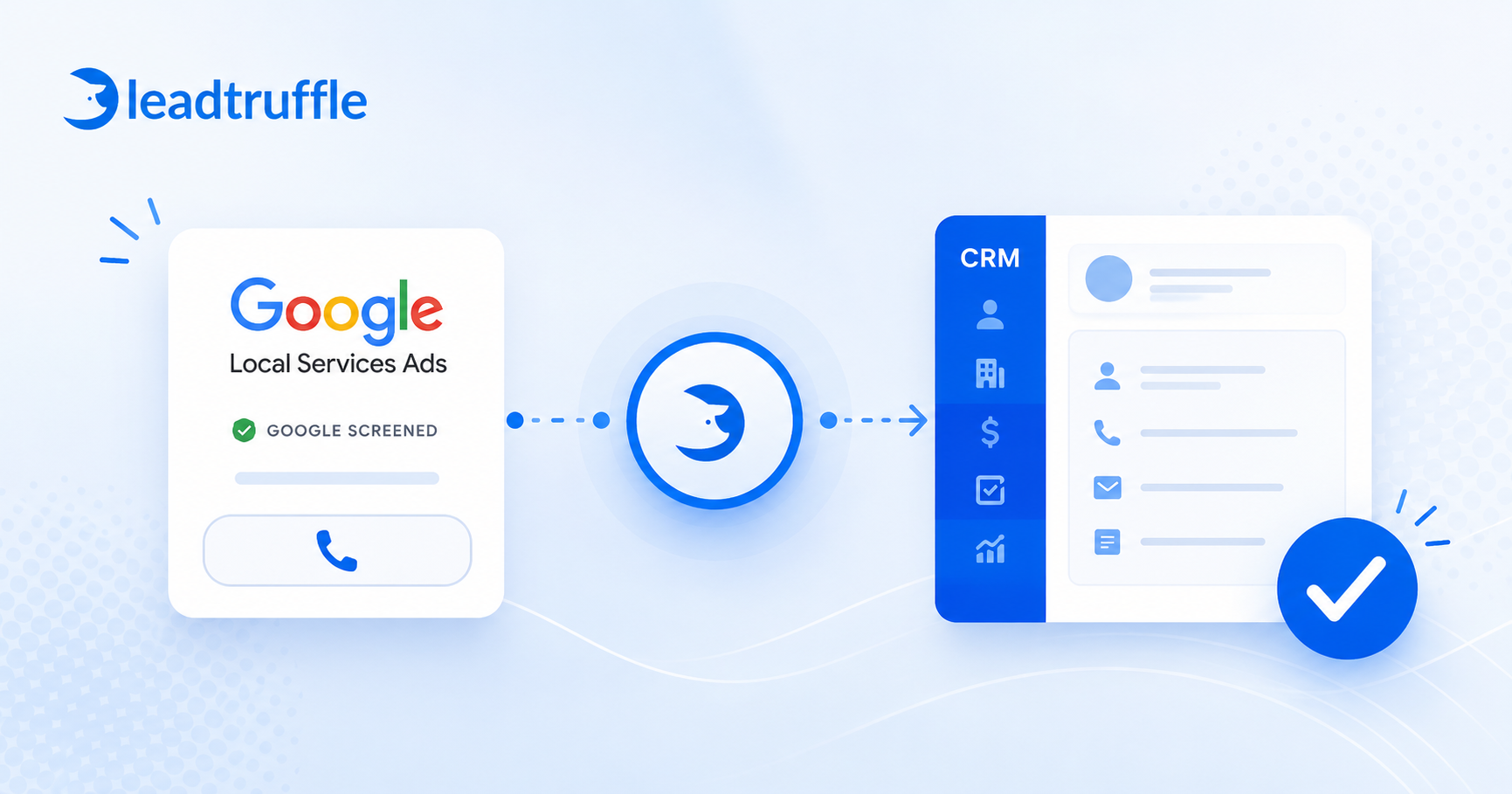
The cleanest path is a Google LSA responder - a tool with a direct Google LSA connection and native CRM integrations that routes leads into your CRM automatically, with conversation context and source attribution intact.
LeadTruffle connects to Google LSA via email relay or direct API sync. It responds to the lead automatically, qualifies them through AI-powered conversation, and pushes the qualified lead to Jobber, Housecall Pro, ServiceTitan, HubSpot, or Workiz with the Google LSA source preserved all the way through.
More limited LSA responders like LSArespond are primarily built for automating Google LSA replies and missed-call text follow-up. LeadTruffle covers the full speed-to-lead workflow beyond the first response, including AI qualification, booking, CRM sync, and multi-source lead management.
Full details: Google LSA Integration - how LeadTruffle connects
Which CRMs Work With Google LSA?
Based on the 3,392-advertiser scrape, these are the CRMs most commonly used by businesses running Google LSA:
| CRM | Share of LSA advertisers with a CRM | LeadTruffle integration |
|---|---|---|
| ServiceTitan | 37.5% - most common | Yes |
| Housecall Pro | 33.2% | Yes |
| Jobber | 19.0% | Yes |
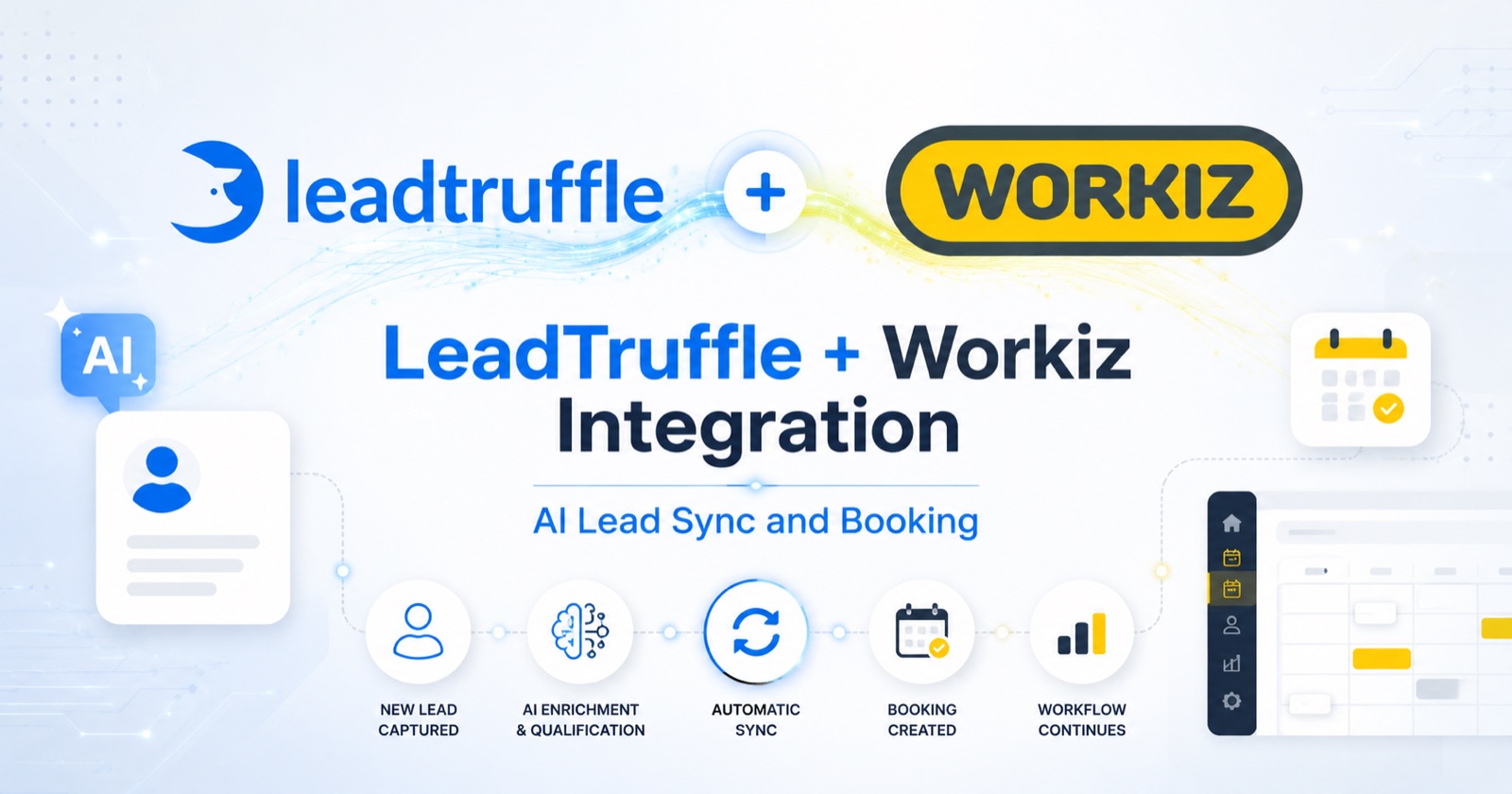
| Workiz | 3.3% | Yes |
| Thryv | 6.7% | Not yet |
| Service Autopilot | 1.6% | Not yet |
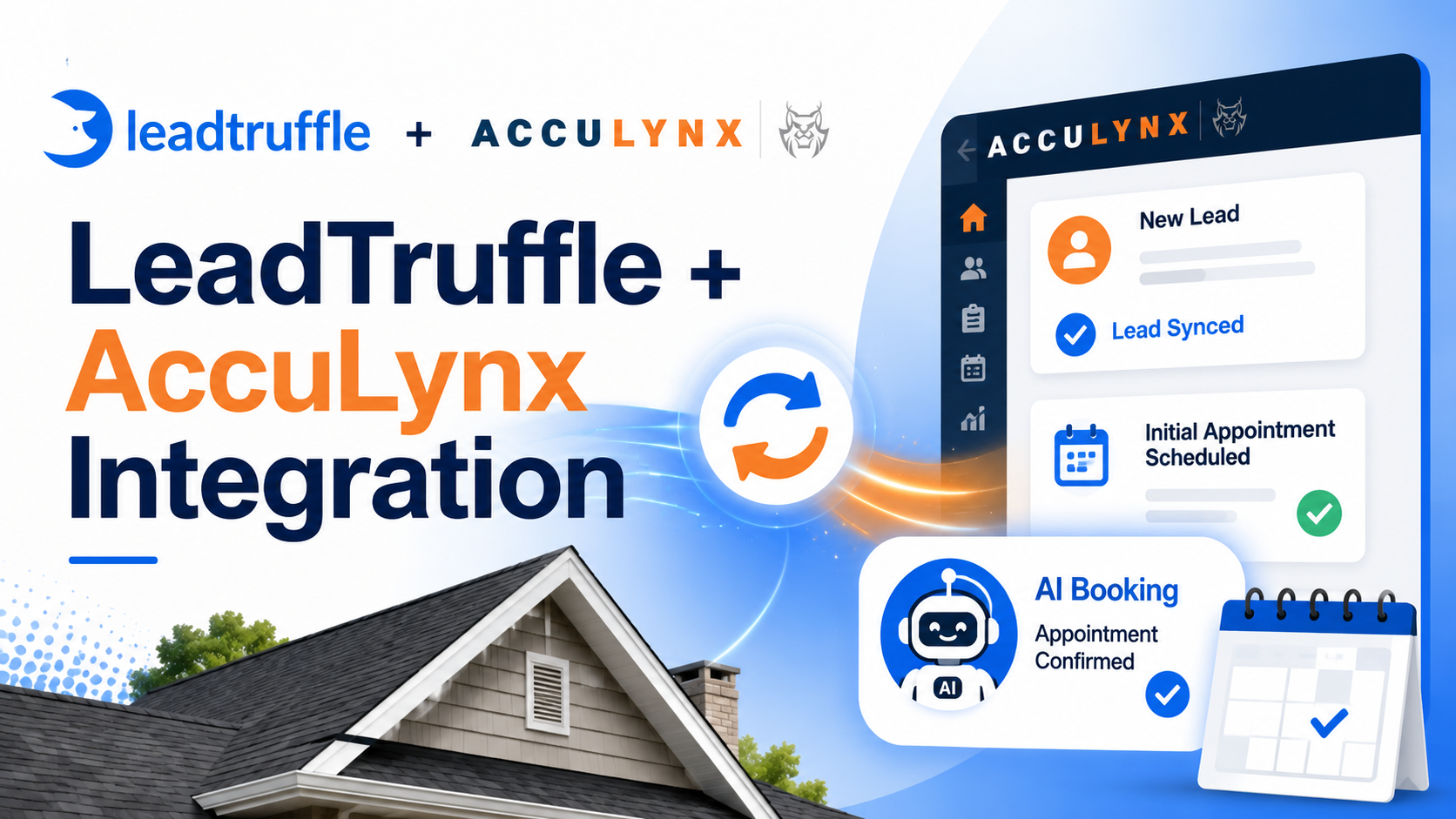
| AccuLynx | 1.4% | Not yet |
ServiceTitan, Housecall Pro, and Jobber alone cover nearly 90% of CRM-using LSA advertisers. If you use any of those three, you have a clean, automated path available.
Connecting LSA to ServiceTitan
ServiceTitan is the most common CRM among Google LSA advertisers, particularly in higher-ticket trades like HVAC, plumbing, and electrical, where job values justify a more sophisticated platform.
The LeadTruffle + ServiceTitan connection works through a private app integration. When a new LSA lead arrives:
- LeadTruffle receives the lead via API or email relay.
- AI responds instantly and qualifies the lead, including job type, address, and urgency.
- A new customer record and job are created in ServiceTitan automatically.
- The lead source is set to “Google LSA” at the job level.
- The conversation transcript and qualification notes attach to the record.
Your ServiceTitan reports can now show you what Google LSA leads are actually converting at - not just how many calls came in.
Connecting LSA to Housecall Pro
Housecall Pro is most popular with small-to-mid-size home service businesses: cleaning, pest control, landscaping, and HVAC companies that want strong mobile tools without the complexity of ServiceTitan.
The LeadTruffle + HCP integration connects directly to your Housecall Pro account. When a new LSA lead arrives:
- LeadTruffle receives the lead via API or email relay.
- AI responds right away and qualifies the lead, including job type, address, and urgency.
- A new customer profile is created in Housecall Pro automatically.
- The lead source is tagged as “Google LSA” on the customer record.
- The AI can offer real appointment slots from your HCP schedule and confirm the booking with the homeowner before the job hits your calendar.
Your Housecall Pro reports can now show you which Google LSA leads turned into booked jobs - not just how many calls came in.
Connecting LSA to Jobber
Jobber is the most common CRM for smaller home service businesses: cleaning companies, landscapers, pest control, and general contractors who want clean job tracking without the cost or complexity of enterprise platforms.
The LeadTruffle + Jobber integration sends every new LSA lead straight into your system. When a new LSA lead arrives:
- LeadTruffle receives the lead via API or email relay.
- AI responds right away and qualifies the lead, including job type, address, and urgency.
- A new contact is created in Jobber with the job request attached.
- The lead source is tagged as “Google LSA” on the contact record.
- The conversation notes and qualification details attach to the record.
Your Jobber reports can now show Google LSA as a separate channel, so you can see exactly what your LSA spend returns in booked jobs each month.
Why LSA Response Time Affects Lead Quality Before It Ever Reaches Your CRM
Here’s the issue that CRM integration alone doesn’t solve: a slow response means the lead goes cold before it ever reaches your CRM.
Google tracks how quickly you respond to LSA leads and uses it as a ranking factor. Faster response means higher position and lower cost per lead. Slower response means lower position, so you pay more for leads you’re less likely to book.
More importantly, homeowners running Google LSA searches are also contacting two or three other contractors at the same time. The first business to respond is often the one that books the job. In the MIT speed-to-lead research, waiting just 5 minutes instead of 1 minute made a business 100x less likely to qualify the lead.
Most teams are manually checking the Google LSA app and calling back when they have a moment. In practice, that’s 15-45 minutes. By then, a competitor has already had a real conversation.
If you’re figuring out how to respond to Google LSA leads automatically, the answer is speed at scale: you need to respond within seconds of every lead arriving, not whenever someone checks the app.
The fix is a Google LSA responder - software that replies automatically within seconds via Google’s approved relay, keeping the lead engaged until your team can take over the conversation.
Related: LeadTruffle’s LSA Autoresponder - instant reply, 24/7
Tracking LSA Leads From First Contact to Closed Job
Connecting LSA to your CRM is step one. The bigger win is visibility into what happens after the first response, because that’s where you find out whether your LSA spend is actually working.
Most contractors running LSA can tell you how many leads they got. Almost none can tell you:
- What percentage of LSA leads converted to a quote
- What percentage of quotes converted to booked jobs
- What the average revenue per LSA lead is, by month or by trade
- Whether LSA leads convert better or worse than Angi, Yelp, or website leads
That visibility requires three things working together.
1. Source Attribution Preserved Through the Pipeline
The lead that enters your CRM needs to carry “Google LSA” as the source, not just “inbound” or “web form.” LeadTruffle preserves this attribution when pushing leads to Jobber, HCP, ServiceTitan, and others, so your CRM reports reflect reality.
2. Conversation Context Travels With the Lead
The qualification conversation - what service they need, what they said about timing, whether they mentioned a budget - should attach to the CRM record. Not sit in a separate app. LeadTruffle pushes transcript notes with every lead sync so the next rep isn’t starting from zero.
3. Stage Tracking Tied to Actual Outcomes
As the lead moves from new to qualified, quoted, booked, or lost, those stage changes should be trackable in your CRM. When they are, you can run a report that shows what Google LSA actually produced in revenue - not just how many notifications you got.
FAQ
Can Google LSA leads connect directly to a CRM without manual entry?
Yes - using a tool that has a direct Google LSA connection and native CRM integrations, like LeadTruffle. Leads flow automatically with source attribution and qualification notes attached. No copy-pasting from the Google dashboard.
Can I send Google LSA leads into ServiceTitan automatically?
Yes. LeadTruffle’s ServiceTitan integration creates customer records and job requests from LSA leads automatically, including message leads, call leads, and booking requests. Source attribution is preserved at the job level.
Why are my Google LSA leads not showing up in my CRM?
Most commonly because there’s no automated connection. Google doesn’t push LSA leads directly to CRMs. You need a middleware tool like LeadTruffle or a manual process to move the data. If you’re using a Zapier workaround, it may also break silently when Google changes its notification format.
How do I know which jobs came from Google LSA?
Only if source attribution is preserved when the lead enters your CRM. Without a tool that passes the source through, leads often get logged under “web” or left blank. LeadTruffle passes “Google LSA” as the lead source on every sync so your CRM reports separate it from other channels.
What is the best CRM for Google LSA advertisers?
ServiceTitan, Housecall Pro, and Jobber cover nearly 90% of the CRM-using LSA market. The best choice depends on your trade, team size, and budget - not on LSA specifically. All three integrate with LeadTruffle for automatic LSA lead sync and attribution.
Can I track booked revenue from Google LSA?
Yes - if your CRM is connected and source attribution is preserved through the pipeline. Once jobs sourced from LSA leads are marked as won in your CRM, you can run a revenue-by-source report and see actual return on your LSA spend.
Can Google LSA leads be automatically assigned to a specific rep or team?
Yes. LeadTruffle’s lead routing feature can assign LSA leads to specific reps, locations, or job types automatically - useful for multi-location businesses or teams with specialized technicians.
How do multi-location businesses handle Google LSA leads?
Each location typically needs its own LSA account. LeadTruffle’s lead routing can distribute leads to the correct location or rep based on zip code, service type, or job category, so the right team gets the right lead without manual sorting.
What should I look for in a Google LSA responder app?
When reading a Google LSA responder review, compare three things: response speed, whether it qualifies the lead or just sends a canned reply, and whether it syncs to your CRM. Most Google LSA responder apps only handle the acknowledgment step. LeadTruffle responds, qualifies, and pushes to your CRM in one workflow.
Stop Paying for LSA Leads That Disappear After the First Call
If you’re running Google LSA without a CRM connection, you’re spending $40-$90 per lead and losing most of the data when you need it most. The fix is connecting the pipeline, so every LSA lead gets responded to, qualified, and tracked all the way through to booked revenue.
LeadTruffle connects Google LSA to ServiceTitan, Housecall Pro, Jobber, Workiz, HubSpot, and other CRMs with instant auto-response, AI qualification, and full source attribution preserved.