
 Log In
LeadTruffle Insights
AI Lead Response Software: A Contractor’s Buying Checklist
Choose AI lead response software by lead source, booking workflow, CRM support, human handoff, and total cost. Use a practical contractor checklist.
Quick Answer
tl;dr: The best AI lead response software for contractors fits the lead sources you use and the way you book work. Look for software that can respond on your busiest lead channels, collect the details your team needs, and support your booking and CRM setup. Check how your office takes over when a lead needs a person. Confirm the full journey from inquiry to confirmed appointment before buying.
A homeowner asks about an AC repair while your team is finishing another job. Saying “Thanks for reaching out” takes care of one thing.
Finding out where the customer lives, whether the job is a fit, and when you can schedule it are separate tasks. Recording the appointment correctly is another. Your software should fill the steps your team is missing.
This guide compares five options based on their documented capabilities and likely fit. LeadTruffle publishes this article and is included in the comparison. These are documentation-based recommendations, not results from hands-on trials or a measured performance ranking.
What AI Lead Response Software Does
AI lead response software receives an inquiry, replies using your business information, and helps the customer take a useful next step.
Depending on the product and configuration, it can ask qualifying questions, offer appointments, follow up, or hand the conversation to your office.
It complements contractor lead management software by managing the conversation as well as the contact.
When comparing AI lead qualification software, check whether it collects the details your team needs to decide if a job is a fit.
Where the inquiry starts matters. A Yelp message needs a reply inside the supported conversation.
An inbound call needs an answering or forwarding arrangement. A website form needs a connected trigger. Missed-call recovery begins after a call goes unanswered. One connection does not automatically cover all four.
An Example of the Full Lead Journey
Here is an example HVAC workflow, not an observed customer result. A homeowner writes: “Our upstairs AC is blowing warm air. Can someone come tomorrow?”
A useful first answer acknowledges the cooling problem and asks for the ZIP code to check coverage.
Once the service area is confirmed, the system collects the remaining booking details and offers a time allowed by your calendar.
When the customer chooses this time, the appointment should be added to the system with the address information and conversation context.
When no slot can be found, then an accurate explanation must be given along with a clear handoff to the customer. Lead records are created by an inquiry and are not confirmation or proof of an appointment.
Choose by Your Busiest Lead Source and Current CRM
Start with the gap that takes the most attention from your team. A contractor with a few inquiries and reliable office coverage may need clearer notifications and a shared checklist.
A busy team receiving marketplace messages while the office handles calls may need automated lead response for home services on those specific channels.
Before making comparisons, narrow down the shortlist using this decision table.
Your setup | Start by evaluating | What must work |
|---|---|---|
Solo contractor; low inquiry volume | Reliable manual coverage or one focused automation | A named owner, useful replies, and after-hours expectations |
Team with an office dispatcher | Automation on unattended lead sources | Shared context, human takeover, and no duplicate follow-ups |
Existing Jobber or Housecall Pro customer | The CRM’s native assistant | Your required channels, eligible bookings, and office handoff |
Don’t purchase another system to duplicate coverage you already have. At the same time, don’t assume your CRM’s phone assistant handles every paid marketplace conversation.
Ask where the homeowner’s message arrives, where the answer appears, and who or what owns the next step.
How We Compare the Providers
We reviewed official product pages and help documentation. A documented feature is something a vendor describes publicly; it does not prove that feature is reliable in your account.
The recommendations below reflect our interpretation of fit. “Not verified” means the reviewed sources did not establish a capability or configuration, rather than proving it is unavailable.
To find the best lead response software for contractors in your situation, compare each option using the same seven questions:
- Lead sources: Which exact inboxes, phone numbers, and forms does it support?
- Connection method: Is the connection direct, forwarded, or dependent on another automation tool?
- Conversation: Can it answer follow-up questions on the customer’s original channel?
- Booking: Does it create a confirmed appointment, an unscheduled job, a work request, or only a contact?
- Human takeover: Who is notified, and does the AI pause when that person replies?
- Reporting: Can you track received inquiries, delivered replies, qualified leads, appointments, and completed jobs separately?
- Total cost: What subscription, usage, integration, and setup charges apply at your volume?
Named Tools Compared Side by Side
The table is a shortlist, not a scorecard. Use the linked LeadTruffle details and comparisons to review the workflow, then confirm account-specific capabilities before enabling it.
Option / details | Likely fit | Documented response scope | Booking / record | Confirm in your account |
|---|---|---|---|---|
Multiple paid sources | LSA, Thumbtack; Yelp via Zapier | Supported CRM or built-in scheduling | Channel setup; CRM sync vs. booking | |
Auto-Respond | Selected marketplace channels | Marketplace messages and inbound voice | Scheduling depends on configured path | CRM fields; handoff; scheduling mode |
Jobber Receptionist | Existing Jobber customer | Calls and texts | Visits or work requests in Jobber | Bookable services; marketplace coverage not verified |
Housecall Pro CSR AI | Existing Housecall Pro customer | Calls and chats; SMS availability to confirm | Jobs; unscheduled options in setup | Enabled channels; booking settings; escalation |
HighLevel | Agency or configurable setup | Configured supported bot channels | Selected HighLevel calendars | Source connectors; field-service CRM sync; maintenance |
What the System Really Costs
Compare the cost of the same workload across providers. Give each vendor one brief: lead sources, monthly inquiries, expected voice minutes, users, locations, CRM, booking requirements, and follow-up volume.
A low headline subscription is hard to compare with a quote that includes implementation or usage.
Calculate monthly operating cost as subscriptions + voice and messaging usage + integration tooling + support or maintenance.
Spread one-time setup charges across the period you plan to evaluate. Keep advertising spend separate so you can distinguish the cost of acquiring leads from the cost of handling them.
LeadTruffle’s public pricing page describes plans and directs readers to a demo for pricing rather than displaying dollar amounts. Auto-Respond publishes channel-based charges and a separate voice usage model.
Ask every shortlisted provider for a current written total for your workload; unverified dollar estimates are not a substitute for quotes.
If you need a CRM subscription or add-on, add those to the CRM-native assistant. If it's an agency-managed HighLevel workflow, factor in the agency fee, usage and changes over time.
Inquire about the inability to send messages, overages, number charges, cancellations, and if there are any reusable set-up costs if moving out.
Judge value using contribution from additional completed work, rather than booked appointments alone. For example, an extra $300 in monthly operating cost requires two additional completed jobs if each contributes $150 after direct costs.
This is a hypothetical scenario, not a prediction. Track cancellations and manual cleanup too.
A Practical Trial Before Buying
Run an authorized trial on one channel with your own test contacts and a clear owner. Start with realistic scenarios, then review the customer’s view and the office’s view together.
Don’t send artificial inquiries to other contractors or assume a polished sales demo reproduces your account.
Seven Scenarios Worth Checking
- A new, appropriate lead: the answer only requests missing information and refers to the job that was requested.
- A vague request: the assistant asks a focused question rather than inventing a service or quote.
- An after-hours inquiry: the answer distinguishes being available to respond from having a technician available.
- A duplicate event: repeated notifications or calls do not create overlapping conversations or duplicate bookings.
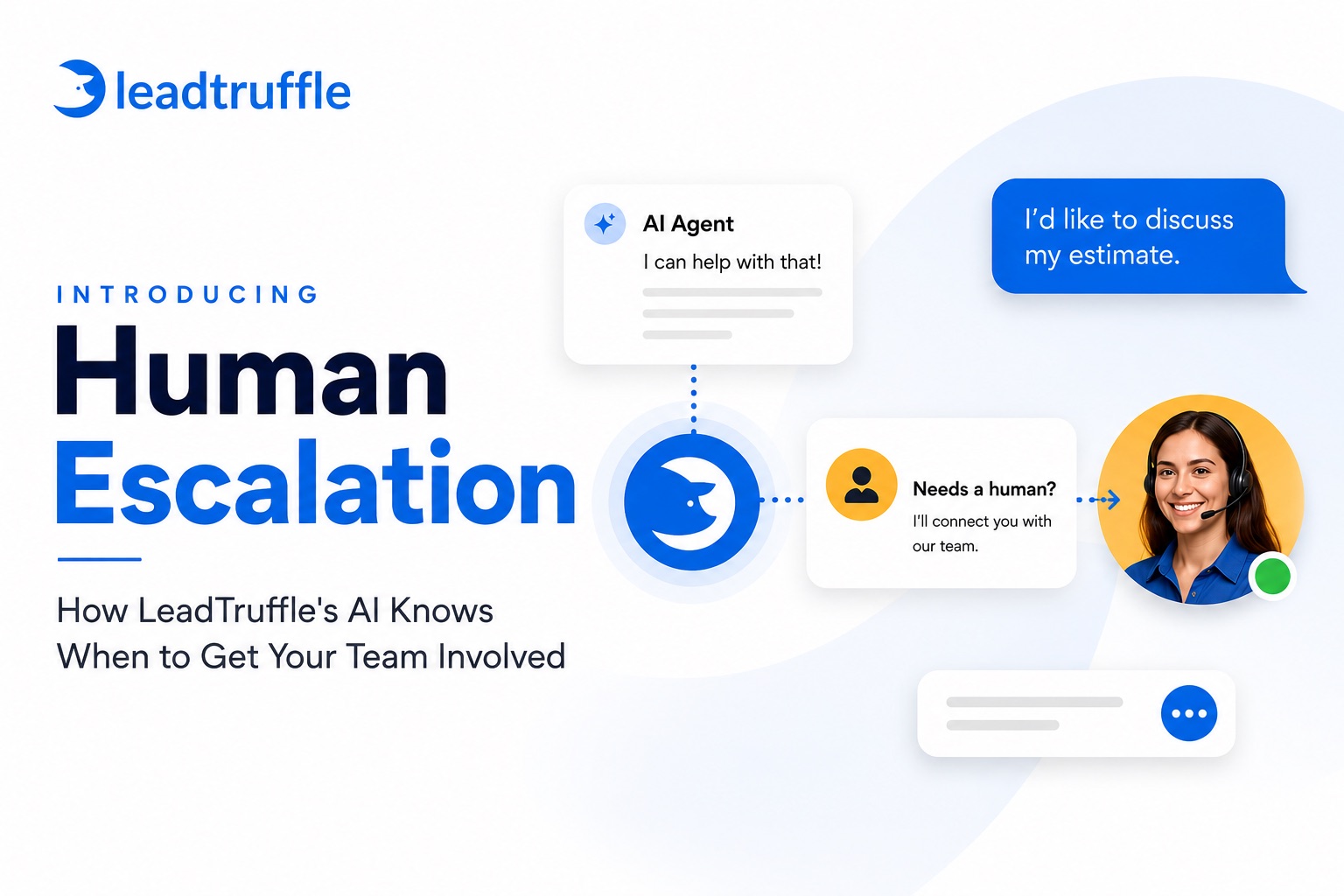
- A requested human: the correct person receives the context, and automation pauses when that person takes over.
- A full calendar or unsupported job: the assistant avoids promising a slot it cannot reserve and explains the next step.
- An opted-out contact: messaging follows recorded preferences and applicable channel settings, without restarting a stopped sequence.
Record when the source received the inquiry, when your system received it, when a reply was sent, and whether the customer could see it.
Track qualification, handoff, and booking separately. A quick event-processing timestamp does not measure the full customer experience.
For appointments, check the address, job type, assigned calendar, time zone, duration, and confirmation state. A message saying “you’re booked” should match a real appointment in the expected system.
Compare this with your current process over similar operating hours, rather than relying on a few successful demonstrations.
An Acceptance Checklist
- Each enabled lead source has a named source owner and a documented failure path.
- Replies use approved service information and do not invent prices, promises, or availability.
- Booking records match what the customer was told, and unavailable slots lead to a clear handoff.
- Human takeover, duplicate prevention and follow up stop rules work as expected.
- The team can discover delivery failures and tie up appointments with completed-job outcomes.
LeadTruffle as an AI Lead Response Software for Contractors
LeadTruffle helps contractors respond to leads, collect qualifying details, and connect conversations with a booking workflow. It can fit a business that wants marketplace conversations, phone coverage, and scheduling to work with its existing setup.
Its channel and CRM integrations include direct Google LSA and Thumbtack connections, Yelp messaging through Zapier, and booking through supported CRMs or LeadTruffle’s own scheduler with Google Calendar busy-time sync.
For phone coverage, review its AI receptionist for home services. Its plans also describe AI voice answering and human takeover options.
Setup determines what the workflow can do. A sync-only CRM connection does not create CRM appointments. Direct Meta Lead Ads capture does not automatically start AI SMS qualification; that requires a separately approved workflow. Facebook Page Messenger support does not include Instagram direct messages.
Before choosing LeadTruffle, confirm your lead-source setup, the booking record created, the takeover methods available on your plan, and how appointment changes reach your team. Use a demo to walk through the services and scheduling rules your office follows.
Frequently Asked Questions
Does AI lead response software book jobs?
Some products can book when the right calendar, services, and permissions are configured. Others collect a preferred time, create a request, or send a booking link.
Ask to see the appointment or job record created by your exact workflow before describing it as automatic booking.
Which tools respond to Yelp and Thumbtack leads?
LeadTruffle documents Thumbtack replies through a direct connection and Yelp messaging through Zapier. Auto-Respond also describes handling both channels.
Confirm how each connection works in your account, where replies appear, and whether the same workflow can qualify and book. A CRM logo alone does not establish marketplace reply support.
Do I need AI if I already have a CRM?
Only if there is a gap your current process does not cover reliably. A CRM can store an inquiry while someone still needs to answer it.
If your existing assistant or office covers the relevant channels and scheduling well, another tool may add little. Identify the missing step before choosing software.
What should I automate first?
Choose one recurring problem: unattended marketplace messages, missed phone calls, or inconsistent follow-up. Set up a clear workflow and review its results before adding more sources.
For implementation details, see the Google LSA responder guide or Thumbtack integration guide.
For phone recovery and ongoing contact, review missed-call text back and automated follow-up rather than applying one channel’s setup to every source.
Review One Lead Channel Before Choosing a Platform
Bring your busiest lead source, current CRM, and one typical customer inquiry to a LeadTruffle demo. Ask the team to walk through the response, qualification, booking destination, and human handoff.
You’ll leave with a clearer picture of the workflow you need, whether it is LeadTruffle, an existing CRM tool, or a simpler process.
Book a LeadTruffle demo today.