
 Log In

LeadTruffle Insights
LeadTruffle + FieldRoutes: AI Booking Across Your Lead Sources
Integrate FieldRoutes with LeadTruffle for AI booking from calls, texts, webchat and paid leads, sync contacts and track invoices. Find out how to get started.
Quick Answer
tl;dr: LeadTruffle now integrates with FieldRoutes for contact sync, AI appointment booking, and invoice revenue attribution. Once your account and agents have been set up, AI can schedule single-technician appointments with arrival windows from phone calls, text messages, webchat, select marketplace conversations, and approved follow-up workflows.
With LeadTruffle + FieldRoutes, you can streamline the booking process across your connected lead sources using artificial intelligence.
We’ve added FieldRoutes to our CRM integrations, so now pest control companies can connect lead conversations to the schedule their teams are used to.
This can be a homeowner calling you at odd hours, messaging you through Google Local Services Ads or filling in a form on a website. LeadTruffle can collect the details, provide available arrival windows, and create the appointment in FieldRoutes once the customer confirms a window.
The FieldRoutes integration contains the following
With the connection, three components of your lead workflow are connected:
- Contact sync: Push qualified contacts to FieldRoutes, and map your lead sources to the source options on your account.
- AI booking: Inspect route availability in native FieldRoutes and make a standalone appointment with one of the techs.
- Invoice attribution: Link eligible FieldRoutes invoices to leads to see revenue by lead source.
These can be turned on individually. A team can begin with contact sync, then add booking or invoice reporting after reviewing its account settings.
FieldRoutes is still the system you use for field operations. LeadTruffle processes incoming conversations from your connected channels and the supported actions you choose to enable.
Where FieldRoutes AI bookings can start
Multiple lead channels can use the same booking connection. Every agent must have FieldRoutes set up as its booking service, an active connection and the necessary channel configuration.
Phone calls and missed-call text messages
The LeadTruffle AI voice agent can gather the caller’s details, verify availability, and reserve an arrival window during the call. This encompasses the AI assistant route in Smart Call Router when it is configured for FieldRoutes booking.
Missed-call text-back can initiate text communications for calls your team missed. The AI may pick up the rest of the information and help the customer select an available arrival window.
Inbound texts, forms, and website chat
Customers can book via a webchat conversation or a configured SMS agent. The inquiry can be taken by a website texting widget, a popup or a connected website form that starts the text conversation that results in booking.
Webchat keeps the discussion on your website. Website texting moves the conversation to the customer’s phone, so they can respond once they leave the page.
Google LSA, Thumbtack and Yelp
LeadTruffle can qualify and book from marketplace conversations that are supported:
- Google Local Services Ads: Respond to LSA requests through the direct connection or via the supported email-forwarding process.
- Thumbtack: Respond via the direct messaging connection and provide booking in the conversation.
- Yelp: Reply on Yelp with the Zapier-powered integration, and use AI to book.
The customer is able to talk about their service needs via the lead channel and the confirmed appointment gets added to FieldRoutes.
Facebook Messenger, ad leads and email
AI booking is available for supported Facebook Page Messenger conversations within Facebook’s messaging window.
Facebook and Instagram Lead Ads can go to a separate SMS qualification workflow, which has to be approved. Capturing a form submission alone does not enable automatic texting or booking.
Angi leads can use configured email qualification or eligible SMS follow-up. Other supported email inquiries may use an email agent that has the FieldRoutes booking capability enabled. For SMS outreach, the proper consent and account setup are necessary.
Lead sources and API workflows customized to your business
Approved third-party leads can be passed along through a custom webhook or a supported API workflow. During setup, we map the incoming information and link the source with a suitable AI agent.
For instance, an inquiry submitted through an agency’s landing-page form can be sent to LeadTruffle. Once set up, the SMS agent can qualify the customer and offer a FieldRoutes appointment. This booking occurs via the AI conversation and your saved booking rules.
Using FieldRoutes AI booking
FieldRoutes booking operates from available route spots in your connected office. Your setup determines how far in advance customers can book, the service, eligible technicians, appointment duration, minimum notice and assignment method.
A typical appointment will go like this:
- The AI gathers the customer’s service needs and necessary contact information.
- LeadTruffle looks for available arrival windows in FieldRoutes.
- The customer selects the window which suits them.
- LeadTruffle verifies the selected booking information, creates or matches the customer, and books the appointment with an eligible technician.
- The confirmed appointment goes into the booking history and configured notifications are queued.
An arrival window stays an arrival window in the conversation and confirmation. The AI should not describe a two-hour window as a promise that the technician will arrive at the beginning.
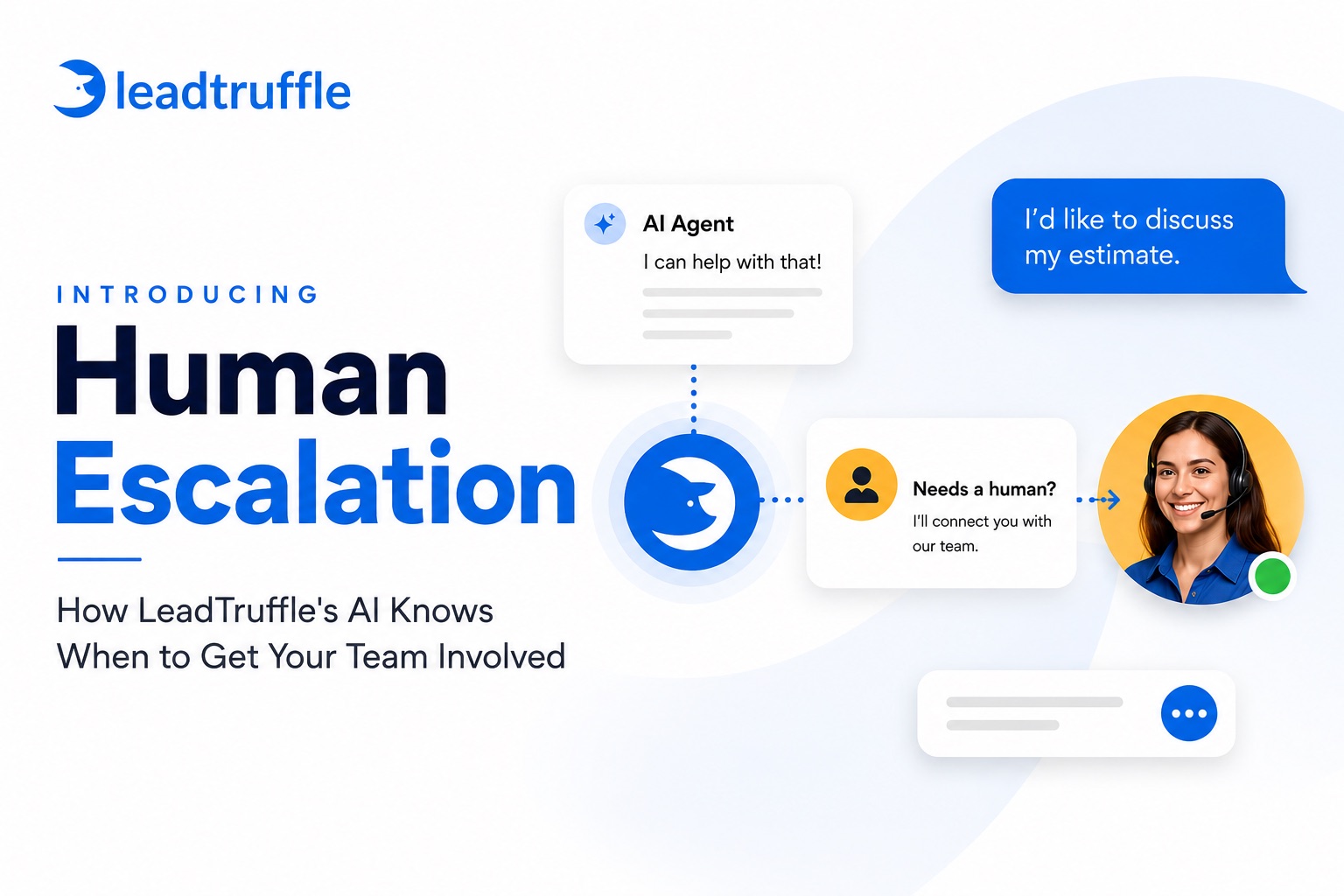
If the booking cannot be confirmed, LeadTruffle retains the inquiry and passes it on to your team for manual confirmation.
Connect leads to invoice revenue
Contact sync minimizes duplicate typing between conversations and FieldRoutes. Source mappings help maintain the source of the lead in the customer workflow.
If invoice sync is enabled, LeadTruffle can match eligible FieldRoutes invoices to the corresponding lead. Your account’s currency and invoice amount format must be verified at setup time; questionable matches are not automatically made.
The analytics and attribution tools allow you to make comparisons based on available lead, cost and revenue data. Matching and data coverage are necessary for invoice attribution. The total invoice amount does not indicate the amount collected.
What you can build with the LeadTruffle API
The LeadTruffle API enables your team or agency to create workflows around the data held in LeadTruffle, in addition to the FieldRoutes connection.
Access conversation history, available call transcripts and recording links, recorded bookings, lead statuses, and revenue reporting in your own tools. Other supported API operations allow external systems to update contacts and lead outcomes.
Systems can be notified when a lead comes in, a customer responds, qualification is completed or an appointment is made with the use of webhooks. Those events can trigger office alerts, agency dashboards or automations using tools like Zapier, Make, and n8n.
For instance, you can create a workflow where a website inquiry starts an AI conversation, the customer books a FieldRoutes appointment, and a booking event updates your agency dashboard. Matched invoice data can help you report the result later.
These workflows can be created with the API and webhooks. Linking FieldRoutes will not create a custom inbox or dashboard within your CRM.
See how to get started with FieldRoutes
An administrator or manager can access Integrations → FieldRoutes → Settings in LeadTruffle. You need the following FieldRoutes account information: account hostname, office ID and API credentials with the required access to your office.
From there:
- Link the account and confirm the office information.
- Choose the contact-sync and source-mapping settings you want.
- Choose the booking service, duration, technicians and scheduling rules.
- Look at the preview of available arrival windows and check the setup for your office.
- Activate AI booking and choose FieldRoutes for the agents that should schedule customers.
- If you want to use revenue sync, check the invoice settings before enabling it.
The integration currently assigns one technician to one standalone appointment. Manual confirmation is required for crew visits. Creating subscriptions or service agreements, taking payments, or allocating multiple route spots are not part of this booking process.
If you are using FieldRoutes and wish to link your calls, website inquiries or paid leads, schedule a walkthrough. We will assist you with the selection of the channels and settings that are suitable for the way your office handles new customers.