Log In

LeadTruffle Insights
Spectrum Business Call Forwarding: Route Missed Calls to LeadTruffle
Set up Spectrum Business call forwarding for unanswered calls, connect LeadTruffle for SMS follow-up, and test voicemail, caller ID, and routing.
Quick answer
tl;dr: To set up Spectrum Business call forwarding for missed calls, enter the missed-call number from your LeadTruffle account as the no-answer destination. Leave normal ringing enabled so your team can answer first. Then test using a different mobile phone: leave the call unanswered and check that it reaches the destination greeting and that the text invitation arrives.
Before you change your call routing
Bring the following information with you for your Spectrum account: Spectrum account access, business number to change and LeadTruffle missed call number. Store the current forwarding and voice mail settings to restore.
Make sure you know what phone product you are using. The controls are different for Spectrum Business Voice, Spectrum Business Connect, and a business PBX running on the Spectrum trunking. The Voice forwarding steps in this guide should not be considered as universal for all three.
Another important requirement for unanswered calls is a valid call number to send SMS follow-ups. There has to be another way to follow up with withheld numbers and numbers that cannot receive texts.
Step 1: Prepare LeadTruffle
In LeadTruffle, open AI Lead Capture → Missed Call Text-Back. Choose or confirm the destination number, record a voicemail greeting, read the Agent Instructions and preview the conversation.
The greeting should include details of your business and let the recipient know that you will follow-up via text. Do not offer an emergency service response you can't make.
Ensure that AI is on. If you are using the supported connection for booking or CRM handoff, you need to set it up separately. Not all CRM workflows are created by forwarding a call.
Check LeadTruffle's guide on how to set up missed calls.
Step 2: Set Spectrum no-answer forwarding
Log in to account of the business line and click Voice settings. Voice Settings and Forwarding Manager is referenced in the Spectrum's Business Voice guide, which may vary depending on the product and account version.
Select the correct line and look for no-answer or missed-call forwarding. Enter your LeadTruffle missed-call destination, choose the available ring delay, then save. To also redirect calls when the line is busy, set that condition separately.
Select the action desired:
- No answer: your team gets a chance to answer before the call forwards.
- Busy: calls forward when the line is busy, depending on your line and call-waiting settings.
- All calls – calls are immediately rerouted instead of calling your team first.
In a case of missed calls, the first thing to consider is no-answer. The last routing rule in a hunt group or PBX might need to be modified if that is the first to answer.
Can you use a star code?
According to Spectrum's Business Voice code guide, *92 enables no-answer forwarding and *93 disables it. Enter the destination by following the instructions for your specific service. Do not presume that a Spectrum Mobile or Business Connect line uses the same procedure.
If the prompts or portals are different, request Spectrum to set up conditional forwarding for your specific line instead of doing all-call forwarding.
Step 3: Test the complete call-to-text path
Call your business number from a separate SMS-capable mobile phone that has not already been used for repeated tests.
- Answer a test call as usual and check if your team is still able to receive calls.
- Let another call go to voicemail and test to ensure that it goes to the LeadTruffle greeting.
- Verify that the original caller's number reaches LeadTruffle.
- Read and respond to the text invitation, and answer a qualification question.
- Ensure that any configured CRM handoff and the conversation is visible to your team.
If those routes are enabled, test busy and after-hours behavior separately. Make sure your regular voicemail does not answer before forwarding takes effect.
What happens after a missed call?
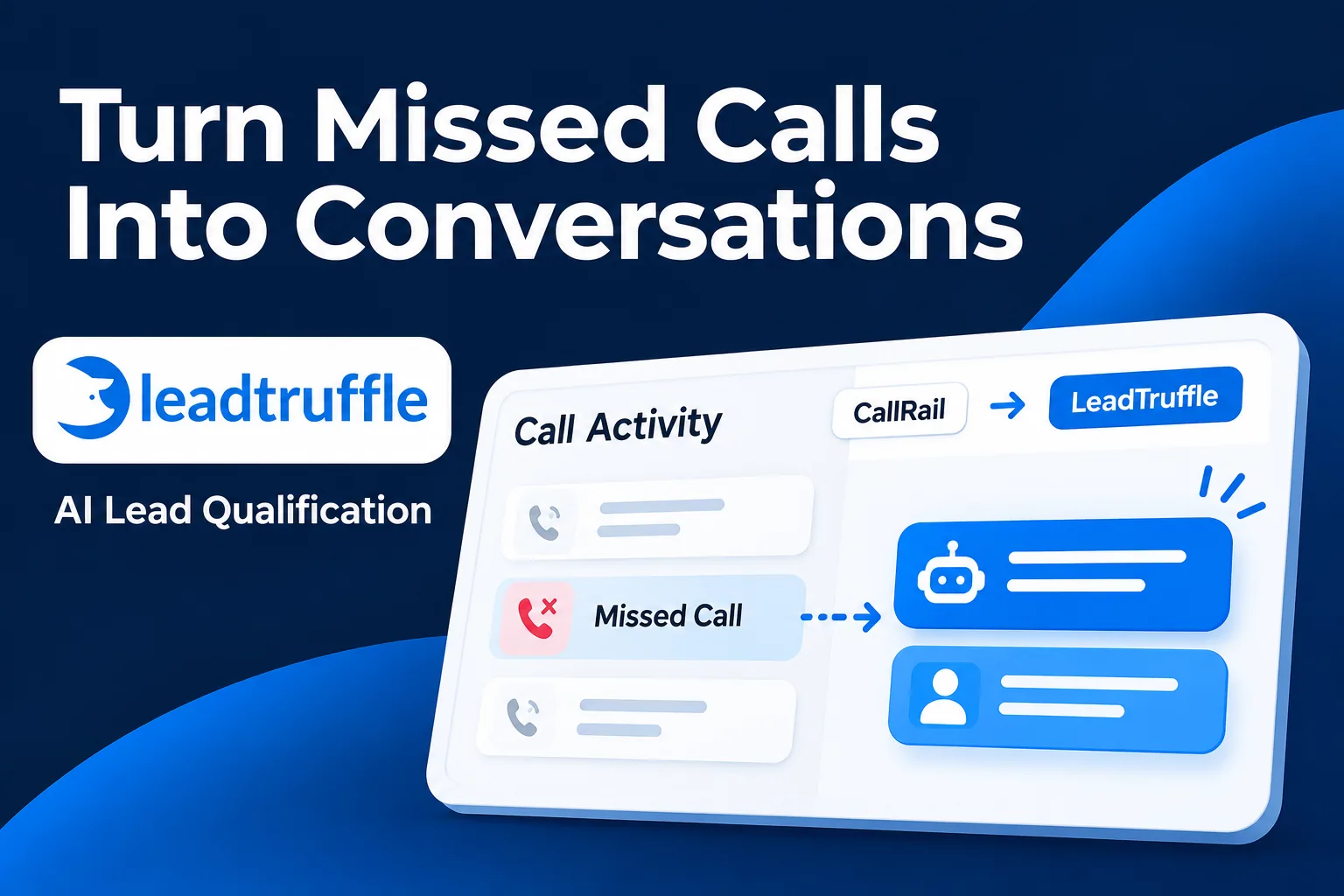
LeadTruffle can invite the caller into a text conversation, then ask about the service, location and job. A plumbing company could ask whether it's a repair or installation, then get the service address.
This is a workflow example, not a measured customer result. Appointment booking depends on your supported scheduling connection, settings and availability.
Find out more about the missed call text back and supported CRM integrations.
If forwarding or texting does not work
If the office phone doesn't ring anymore, see if all call forwarding is turned on. If the Spectrum voicemail answers, check the timing and the active route.
If no call is received by LeadTruffle, verify the selected line, destination digits and any hunt-group settings. A direct test call to your LeadTruffle destination helps to differentiate between destination issues and Spectrum forwarding issues.
When the call comes in, but nothing new shows up in the conversation, please check the conversation, AI settings, and caller number. Repeat callers do not necessarily get a fresh first message, but can be sent a continuation of a thread.
How to turn forwarding off
Restore the saved destination or turn off the specific no-answer rule in the portal. *93 turns off no-answer forwarding on the Business Voice services covered by Spectrum's code guide. Restore busy or all-call rules separately if you changed them, then test another missed call.
FAQs
Will I keep my existing Spectrum Business number?
Yes. Conditional forwarding routes calls to a different number on your current line – there is no need to port your public number.
Does Spectrum call forwarding also forward texts?
This guide is for forwarding voice calls. The outbound text number for LeadTruffle is set separately, check it in Phone & Messaging Settings.
Will every caller get a new text after every missed call?
Do not assume that. Caller-number availability, texting eligibility and repeat-call settings affect the outcome.
Is this an AI phone-answering setup?
This guide describes how to set up missed-call routing and SMS follow-up. If you wish the AI to talk to your callers, you'll need to double check with your team, to make sure you're using a separate voice answering setup.
See your missed-call workflow in action
Schedule a LeadTruffle demo and get hands-on experience with how an unanswered Spectrum call can turn into a text conversation your team can follow up on.